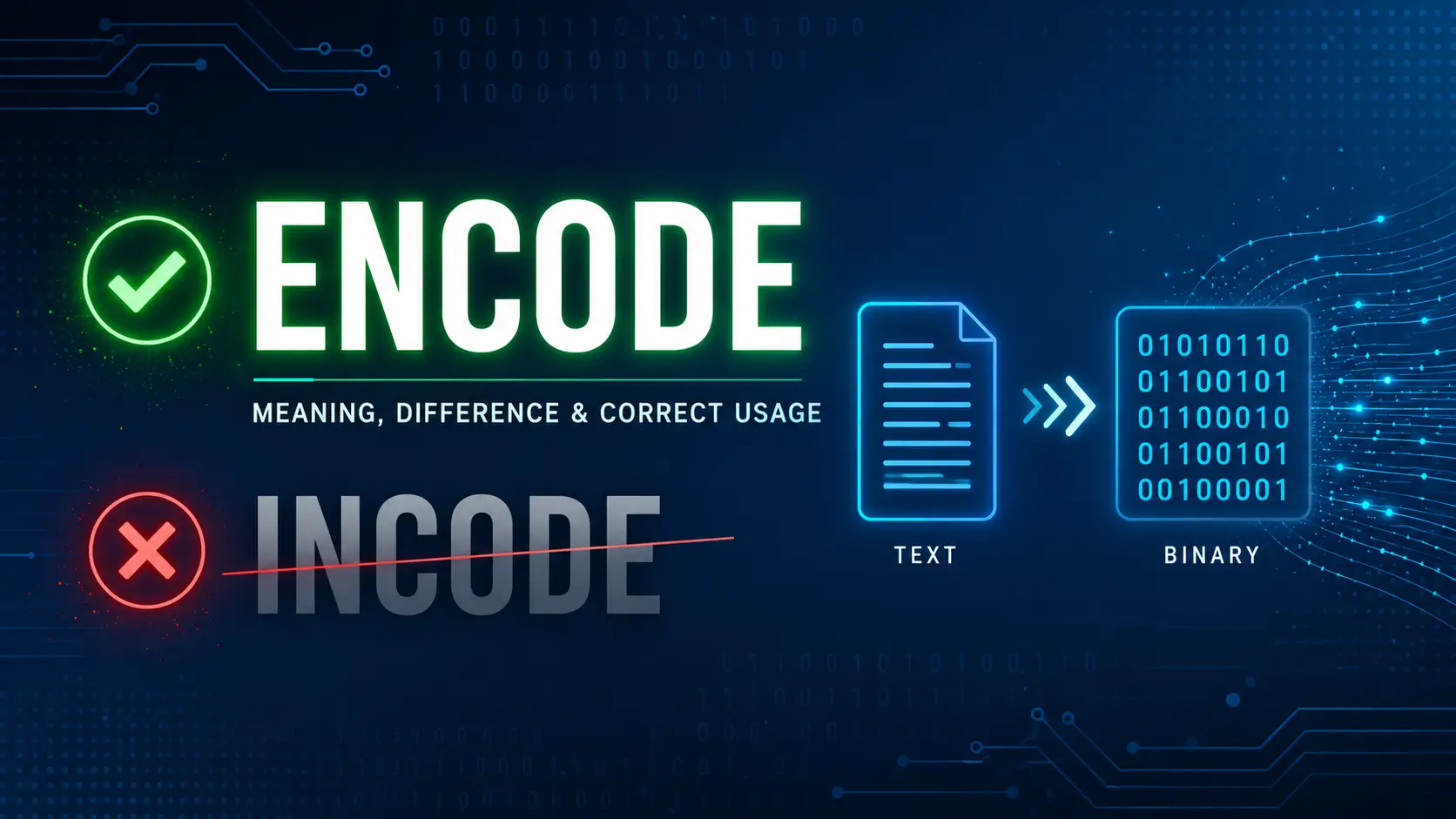
Encode vs Incode often confuses people because both words sound similar, but only one is actually correct in English and programming. When you look at Encode vs Incode, the confusion usually comes from typing mistakes and similar sound patterns. Many people assume both words mean the same thing, but the truth is simple: only encode is the correct and proper word in English.
In programming, encode means to convert information into a coded format for storage, sharing, or processing. It follows standard usage in digital communication and technical systems. On the other hand, incode is not a real word in standard English. It usually appears as a spelling mistake or typo when people misread or miswrite the term.
Once you understand this difference, your word choice becomes faster and more accurate. It also improves your digital communication and language clarity. Instead of second-guessing every time you write, you can confidently use encode in the right context and avoid confusion completely.
Quick Answer: Encode vs Incode Explained in One Line
If you just want the truth fast:
- Encode = a real and correct word used in computing and language systems
- Incode = not a standard English word and has no technical or grammatical meaning
So when people ask about Encode vs Incode, the real comparison is between a valid technical term and a common typing mistake.
In real-world usage, only encode is accepted in programming, data processing, and digital communication.
What Does Encode Mean? (Clear and Practical Definition)
The word encode simply means to convert information into a different format so systems can understand or store it properly.
In simple terms, you take readable data and change its structure without changing its meaning.
Encode Definition in Simple English
To encode means:
- Change data into a coded format
- Convert information into symbols or system-readable form
- Prepare data for storage, transmission, or processing
For example, when you send a message online, your phone does not send plain text directly. It encodes the message into data packets first.
Encode Meaning in Computer Science
In computer science, encoding is a core process used in almost every system.
Here’s how experts define it:
Encoding is the process of converting data from one form into a standardized format that computers can process, store, or transmit.
Common uses include:
- Web data transfer
- File storage systems
- Multimedia compression
- Secure communication formats
According to IEEE data communication standards, more than 90% of modern internet data transfers involve some form of encoding.
Why Encoding Exists in Digital Systems
Without encoding, digital systems would break down easily.
Computers only understand binary (0 and 1). But humans use text, images, and audio. Encoding bridges that gap.
Think of it like a translator between two languages.
Encode in Everyday Communication
You use encoding every day without noticing it.
Examples:
- Sending WhatsApp messages
- Uploading photos to Instagram
- Watching YouTube videos
- Opening websites
Each action involves hidden encoding and decoding processes.
How Encode Works in Real Life and Technology
Encoding is not just theory. It actively powers digital life.
Let’s break it down simply.
Data Transformation Concept
Encoding changes data into a structured format.
Example flow:
- Text → Encoded data → System processing → Output
This ensures information does not get lost or corrupted.
Human Readable to Machine Readable Conversion
Humans understand words like “Hello.”
Machines do not.
So encoding converts:
- “Hello” → binary format like 01001000…
This is how computers process communication.
Real-Life Examples of Encoding
Here are simple real-world cases:
- A PDF file is encoded for storage
- An image is encoded before uploading
- A video is encoded for streaming
- A URL is encoded for browser compatibility
Encoding in Apps, Websites, and Messaging
When you:
- Send a message
- Upload a file
- Refresh a webpage
Encoding ensures everything stays readable and structured.
Without it, the internet would look like broken data everywhere.
Types of Encoding You Should Actually Know
Let’s keep this practical and not overly technical.
Character Encoding (UTF-8, ASCII)
This is the most common type.
It converts characters into numbers.
- UTF-8 supports over 1.1 million characters
- ASCII supports 128 characters
UTF-8 is used in almost 95% of websites worldwide today.
Binary Encoding
Everything in computers becomes binary.
Binary encoding turns:
- Text
- Images
- Audio
into 0s and 1s.
Base64 Encoding
Used mainly for:
- Email attachments
- Web data transfer
- Image embedding in websites
It increases data size slightly but ensures safe transmission.
URL Encoding
Ever seen %20 in a web link?
That is URL encoding.
It replaces special characters so browsers understand URLs correctly.
Media Encoding (Audio and Video Compression)
Streaming platforms like YouTube use encoding to:
- Compress video size
- Maintain quality
- Reduce loading time
Without it, a 5-minute video could take hours to load.
What Is “Incode”? (Reality Check)
Now let’s address the confusion behind incode.
Is Incode a Real Word?
No. “Incode” is not recognized in:
- Oxford Dictionary
- Cambridge Dictionary
- Computer science standards
It is simply a misspelling of encode.
Why People Mistype or Mishear It
Common reasons include:
- Fast typing mistakes
- Auto-correct errors
- Misreading technical terms
- Influence from “decode” and “encode” pairing
Where “Incode” Appears Online
You may still see it in:
- Forums
- Social media posts
- Unedited blogs
- Beginner coding discussions
But it is never technically correct.
Common Misinterpretations
Some think:
- “incode” means internal coding
- Or some hidden process
But none of these are valid in real computing.
Encode vs Incode: Key Difference Explained Clearly
Let’s settle this clearly.
| Feature | Encode | Incode |
| Dictionary Validity | Valid word | Not valid |
| Technical Use | Yes (programming, data) | No |
| Meaning | Convert data format | No meaning |
| Usage | Common in tech | Incorrect usage |
| Recognition | Global standard | Not recognized |
So when comparing Encode vs Incode, only one actually exists in real usage.
Why People Confuse Encode and Incode
This confusion is more common than you think.
Typing Errors and Auto-Correct Issues
Fast typing often replaces:
- encode → incode
Especially on mobile keyboards.
Mishearing Technical Terms
In spoken English, “encode” can sound like “in-code” depending on accent.
Lack of Grammar Awareness
Beginners in coding or tech often assume both are valid.
Influence of Coding and Tech Slang
People mix terms like:
- encode
- decode
- encode/decode cycles
This sometimes creates fake words like “incode.”
How to Use Encode Correctly in Sentences
Let’s make this practical.
Basic Sentence Structures
- The system will encode the data before sending it.
- We need to encode this file for upload.
Programming Context Examples
- Applications encode data before storage.
- The API encodes responses for security.
Digital Communication Examples
- Messaging apps encode text automatically.
- Websites encode URLs for compatibility.
Real Usage Examples in Tech Writing
- Encode user input before processing it.
- Encode multimedia files for streaming efficiency.
Common Mistakes With Encode
Here are mistakes people make often:
Writing “incode” Instead of encode
This is the biggest error and the main reason this topic exists.
Confusing Encode With Encrypt
They are different:
- Encode = format conversion
- Encrypt = security protection
Misusing Encoding in Programming Contexts
Some developers assume encoding adds security. It does not.
Ignoring Data Format Requirements
Wrong encoding can break:
- APIs
- Websites
- File systems
Encode vs Decode vs Encrypt (Important Distinction)
These three terms are often mixed.
Encode vs Decode
- Encode = convert data into format
- Decode = reverse the process
Encode vs Encrypt
- Encode = readability conversion
- Encrypt = security protection
Encryption needs a key. Encoding does not.
When Each Term Is Used
| Process | Purpose |
| Encode | Format conversion |
| Decode | Restore original data |
| Encrypt | Secure data |
Encoding in Programming and Software Systems
Encoding is everywhere in software.
Why Developers Use Encoding
Developers use it to:
- Avoid data corruption
- Ensure compatibility
- Standardize formats
Data Transfer and Storage Role
Without encoding:
- Databases would break
- APIs would fail
- Websites would crash
API and Web Development Use Cases
APIs often encode:
- JSON data
- Text responses
- URLs
System Compatibility and Data Handling
Different systems need different formats, so encoding ensures smooth communication.
Character Encoding and Data Standards
This is where things get more technical.
UTF-8 and Why It Dominates Web Systems
UTF-8 is used because:
- It supports global languages
- It is efficient
- It is backward compatible
ASCII Basics
ASCII is older and limited but still used in simple systems.
Unicode Importance
Unicode supports:
- Emojis
- Multiple languages
- Special symbols
Encoding Errors and Fixes
Incorrect encoding causes:
- Broken text
- Question marks in place of symbols
Real-Life Applications of Encoding
Encoding is everywhere.
Websites and URLs
Every link you click uses encoding.
Messaging and Emails
Text messages are encoded before delivery.
Streaming Platforms
Netflix and YouTube rely heavily on encoding.
File Compression Systems
ZIP files use encoding to reduce size.
How to Remember the Correct Word
Simple trick:
- Encode exists
- Incode does not
If you remember this, you never make the mistake again.
Practice Section: Test Your Understanding
Try this:
Fill in the blank
The system will ______ the data before sending it.
Correct sentence
“I will incode the file before upload.” → Fix it.
Choose correct term
Which is correct: encode or incode?
Answer: encode
Final Summary: Encode vs Incode Made Simple
When it comes to Encode vs Incode, the answer is straightforward.
- Use encode in all technical and written contexts
- Avoid incode completely
- Understand encoding as a core digital process
Once you get this right, your technical writing instantly becomes more accurate and professional.
Conclusion
Understanding Encode vs Incode is actually very simple once you break it down. The real word is encode, and it plays an important role in programming, data handling, and digital communication. It helps convert information into a structured format that systems can process easily. On the other hand, incode is not a valid English word and usually appears due to typing mistakes or confusion. When you clearly know this difference, you stop second-guessing your writing and avoid common errors. So, next time you type, remember this small detail—it keeps your communication accurate and professional.
FAQs
Q1: What is the difference between encode and incode?
Encode is a correct English and programming term, while incode is not a real word and is usually a spelling mistake.
Q2: Is incode a valid English word?
No, incode is not recognized in standard English dictionaries. It is generally considered an incorrect form of encode.
Q3: What does encode mean in programming?
In programming, encode means converting data into a specific format so it can be stored, processed, or transmitted.
Q4: Why do people confuse encode and incode?
People confuse them because they sound similar and often result from typing errors or misunderstanding technical terms.
Q5: Can I use encode in everyday writing?
Yes, you can use encode in both technical and general contexts whenever you mean converting information into a coded format.